Nexter Extension

Advanced WordPress Performance for Faster Websites

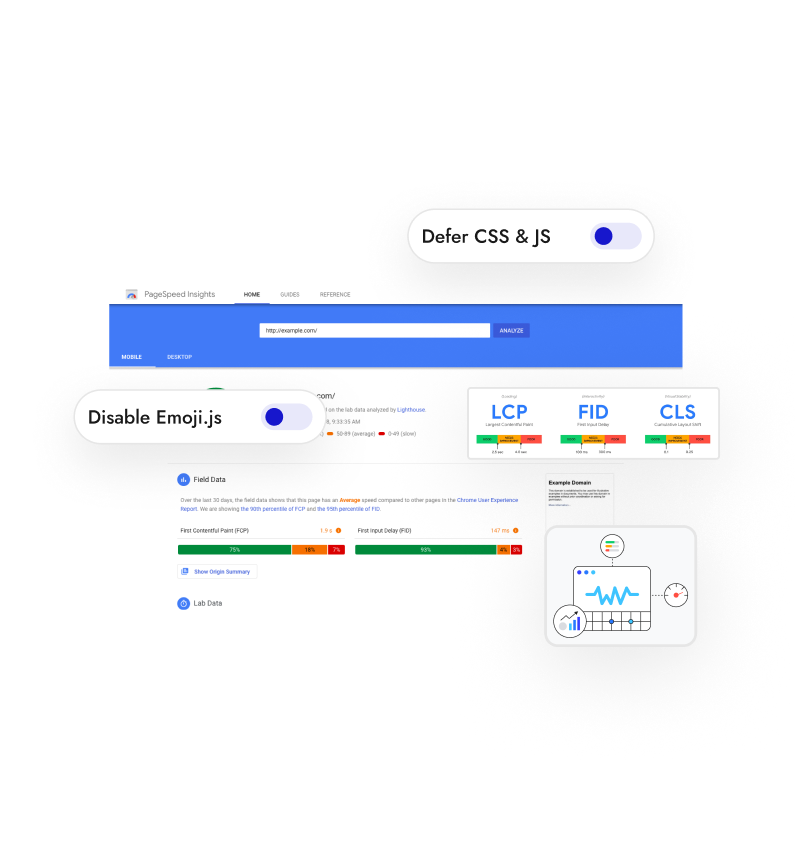
Achieve Advanced WordPress Performance by removing redundant scripts and deferring files. Improve site speed, SEO rankings, and user experience effortlessly.

stylist icon

Remove Slow Scripts and Unnecessary Assets

stylist icon

Improve SEO Performance with Fast Load Speeds

stylist icon

Replace Multiple Performance Plugins with One

credit-card 1

No Credit Card Required

credit-card 1

No Credit Card Required

Creative Image

Why Should You Use Advanced WordPress Performance?

Improve Page Speed for a Better Visitor Experience

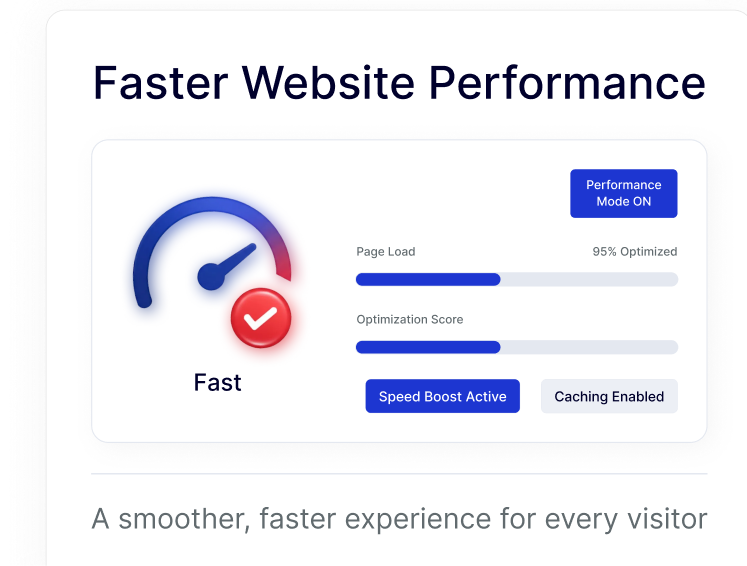
Reduce load times by enabling high-performance caching and speed boosts, ensuring every visitor enjoys a smooth, lag-free browsing experience without needing complex configurations.
faster website performance

Climb Search Rankings with Better WordPress SEO Results

Reduce load times by enabling high-performance caching and speed boosts, ensuring every visitor enjoys a smooth, lag-free browsing experience without needing complex configurations.

seo result

Optimize Resource Usage by Removing Redundant Assets

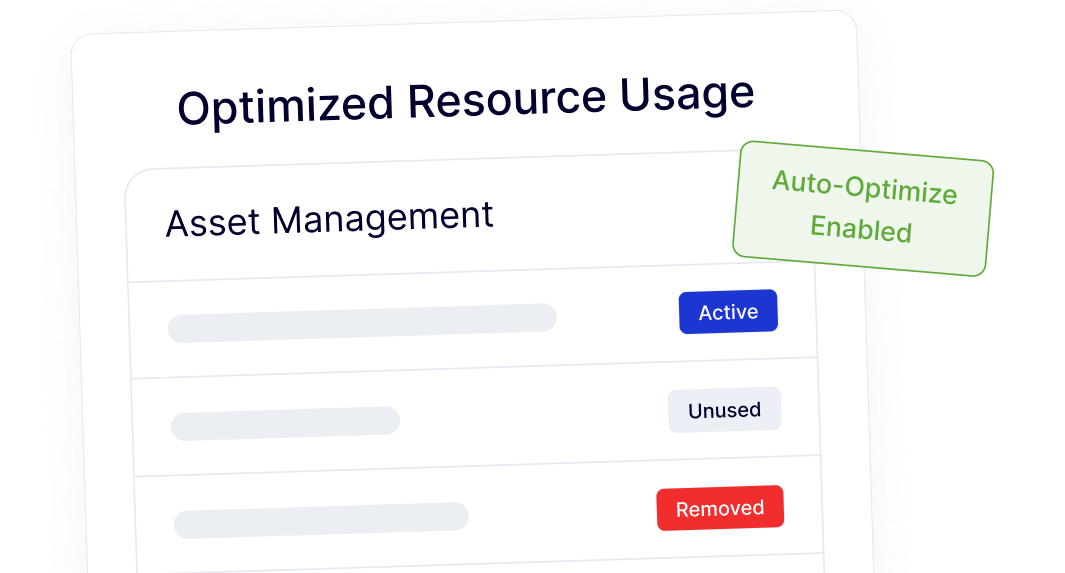
Automatically identify and remove unused scripts like Emojis or Embeds to create a leaner, more efficient backend. This lowers the weight of your pages for a faster initial load.
resource usage

Manage Performance Settings from One Simple Dashboard

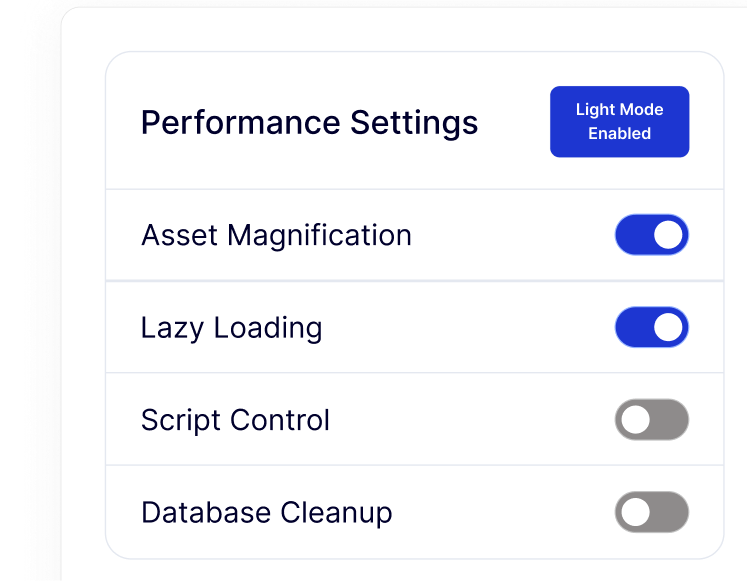
Easily toggle asset magnification, lazy loading, and script controls in one place. This simplifies your workflow by replacing the need for several individual optimization plugins.
performance setting

Watch How to Improve WordPress Performance

YouTube video

Frequently Asked Questions

No. Nexter Extension combines script management, asset cleanup, and file deferring into a single interface. This helps you reduce the number of active plugins, which often makes a site easier to manage and less prone to conflicts.
WordPress is designed to be compatible with everyone, so it loads features like Emojis and Embeds for every user. Most professional sites don't need these, and disabling them is a common way to shave off unnecessary load time.
Disabling these simply stops the specific scripts from loading in the background. It does not break your content; it just ensures your site isn't wasting resources on features you aren't actively using.
Google uses page speed and Core Web Vitals as direct ranking factors. A faster site provides a better user experience, which leads to higher rankings, lower bounce rates, and better engagement from your visitors.
Yes. The dashboard uses simple toggles and clear labels, allowing you to optimize your site performance without touching any code or editing sensitive system files.
Absolutely. It simplifies maintenance workflows by centralizing all performance tweaks. Instead of configuring five different plugins per client site, you can manage everything from one reliable module.

More Extensions from Nexter

1000+ Pre-Designed Websites
Templates & Sections

View 1000+ WordPress Templates & Sections